
SharePoint, from real client work
Information architecture, metadata, governance and the decisions that make SharePoint hold up, and give AI something trustworthy to read. 75 articles. New to SharePoint? Start with the SharePoint fundamentals guide.

Why Can't Copilot Find My SharePoint Documents? Five Causes and Fixes
When Copilot can't find your SharePoint documents, or finds half of them, the cause is usually access, search settings, indexing or a library with no metadata. Here's how to check each one, using a contracts library I tested with and without columns.
27 August 2026 · 7 min read
The Real Purpose of Copilot in SharePoint, with Microsoft's Zach Rosenfield
I sat down with Zach Rosenfield from Microsoft's SharePoint product team to talk about what Copilot in SharePoint is for. His answer: a doer that sits on top of your document repository, with the business logic living next to the content.
21 August 2026 · 8 min read
Generate SharePoint Documents from a Template with Copilot
SharePoint can turn a Word template into a form that generates finished documents. I had Copilot in SharePoint build the form, fill it from a chat prompt, then wrapped the whole thing in a site skill that asks the questions for you.
18 August 2026 · 7 min read
How to Use Comments with Copilot in SharePoint: List Items and HTML Files
Copilot in SharePoint can read comments on HTML files, Markdown files and Microsoft List items. I used both sides of that: a blocked items dashboard that shows each item's comments as a timeline, then review comments on the dashboard that Copilot applied in one go.
12 August 2026 · 6 min read
Contextual Copilot Buttons in SharePoint: One Button, a Different Report for Everyone
The Button web part's Open Copilot in SharePoint action runs a saved prompt as the person who clicks it. Write the prompt in the first person and one button on a page gives every user their own report, scoped to their work and their permissions.
11 August 2026 · 6 min read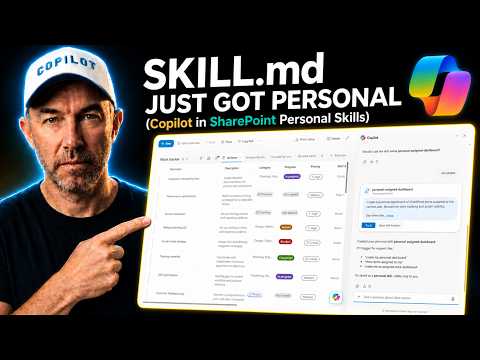
Personal Skills in Copilot in SharePoint: Your Own SKILL.md in OneDrive
Site skills are for the team. Personal Skills are the ones only you run, saved as a SKILL.md file in your own OneDrive and available wherever you use Copilot in SharePoint.
9 August 2026 · 5 min readGet these in your inbox. Three emails a week.
Practical thinking on organising your information and getting real work out of AI. Subscribers get the free SharePoint Skill course to start.