
Microsoft 365, from real client work
Practical notes on Microsoft 365, written from what's running in real tenants. 7 articles.

How to Publish to SharePoint, Teams and Outlook at Once with Viva Amplify
I built a Viva Amplify campaign from scratch to announce Microsoft 365 Copilot, drafted the brief and the first publication with Copilot, tailored it for each channel and published it to a SharePoint site, a Teams channel and Outlook in one go.
6 October 2025 · 7 min read
How to Create a Newsletter in Outlook with Outlook Newsletters
New Outlook has a full newsletter tool built in that most people don't know about. You can create a newsletter, build editions from templates, bring in contributors, let people subscribe and see who's reading, all without leaving Outlook.
29 September 2025 · 4 min read
New Outlook for Windows Features Worth Using: Pinning, Search, Categories and My Day
I showed five features of the new Outlook for Windows in 2023. Four are still there and worth setting up: pinned emails, filtered search, categories in Favorites and To Do in the My Day pane. The fifth, calendar Boards, was retired two months after I recorded it.
20 April 2023 · 5 min read
How to Post Microsoft Forms Responses to Teams with Power Automate
One Power Automate flow can take every Microsoft Forms response, post it to a Teams channel, add a follow-up task in To Do and log it in a Microsoft List. Here are the current trigger and action names, the steps, and what I'd check before building it.
20 May 2022 · 7 min read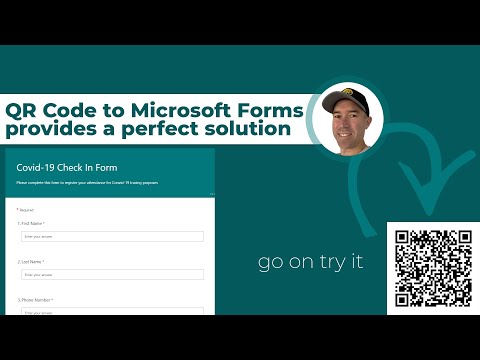
How to Create a QR Code for a Microsoft Form
Microsoft Forms has its own QR code, so you don't need a generator website to put a form on a poster, a table or a slide. Here's how to get it, how to show a form live in PowerPoint, and what to decide before you print anything.
2 December 2020 · 5 min read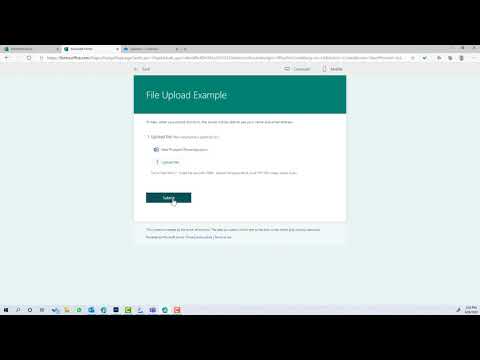
Where Do Microsoft Forms File Uploads Go?
Microsoft Forms saves uploaded files in one of two places, depending on who owns the form. Here's where each one goes, who can open them, what happens when you move a form to a group, and why I make upload forms group forms from the start.
10 August 2020 · 7 min readGet these in your inbox. Three emails a week.
Practical thinking on organising your information and getting real work out of AI. Subscribers get the free SharePoint Skill course to start.