
SharePoint, from real client work
Information architecture, metadata, governance and the decisions that make SharePoint hold up, and give AI something trustworthy to read. 48 articles. New to SharePoint? Start with the SharePoint fundamentals guide.
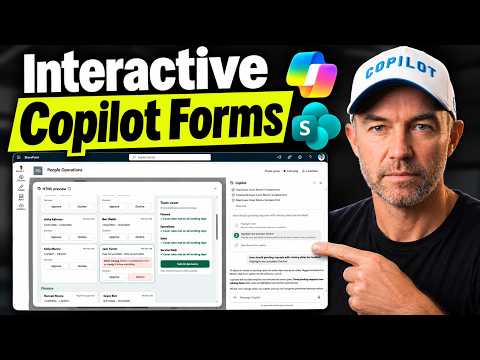
Interactive Forms in SharePoint: Let Copilot Build the Interface for the Job
Copilot in SharePoint can now build an interactive form over the top of a list or library. You give it the job and the rules, work in the form and approve the update, with the three-part prompt and the skill that reuses the form on a second list.
13 November 2026 · 8 min read
Turn a SharePoint Document Library Into an App With HTML Views and Autofill
126 documents nobody had read, and one screen that shows where the risk sits. How I set up the library, got autofill to read every file and had Copilot in SharePoint build the views on top.
10 November 2026 · 12 min read
Your SharePoint List Can Be an App: Build a Multi-Tab HTML View
One HTML view, four tabs, summary cards and a chart you can click, all sitting on the list itself. How I designed the list, briefed Copilot in SharePoint and refined the view one change at a time.
9 November 2026 · 7 min read
SharePoint HTML List Views: Turn a List Into a Live Dashboard
Your lists and libraries can now have interactive HTML views, built by Copilot in SharePoint and sitting right next to All Items. Five scenarios with the prompts, and how to plan around the editing limit.
7 November 2026 · 7 min readSharePoint Tools in Work IQ: What Copilot Chat and Your Agents Can Now Build
SharePoint tools in Work IQ bring the abilities of Copilot in SharePoint to Copilot Chat and the agents you build. I handed over SharePoint work to see what comes back, and when building takes a sentence, the job shifts to deciding what should exist.
5 November 2026 · 7 min read
How to Turn Existing Documents into a SharePoint Knowledge Base with Copilot
I gave Copilot in SharePoint 30 HR, IT and onboarding documents and had it plan, build and maintain a knowledge base from them: interlinked pages organised by topic, a new document filed where it fits, and pages refreshed when a source changed.
17 October 2026 · 7 min readGet these in your inbox. Three emails a week.
Practical thinking on organising your information and getting real work out of AI. Subscribers get the free SharePoint Skill course to start.