Explain the job once. Copilot does it your way, every time.
A skill is the SOP you'd hand a new starter, written once for AI. In this 30-minute masterclass, I show you what a skill is, how to write one without touching code, and how to run the same skill across Microsoft 365.
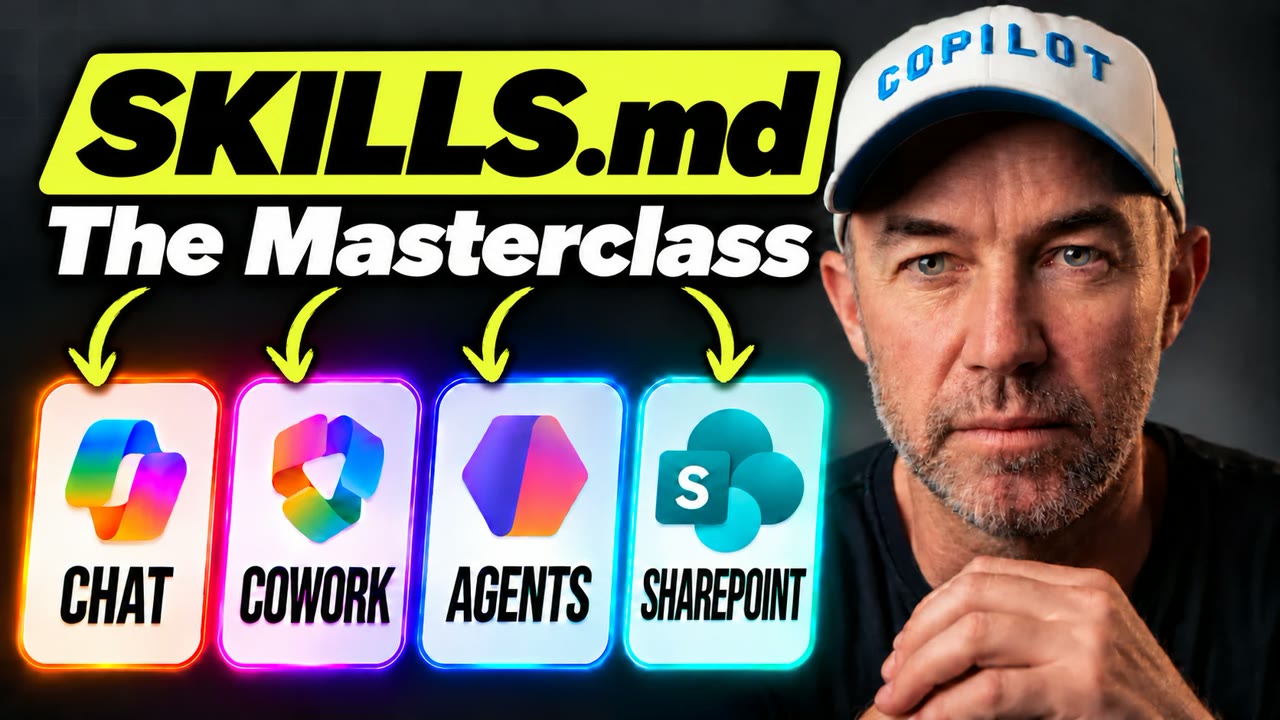
- ✓What a skill actually is. One folder, one SKILL.md file, and why it holds up better than a saved prompt.
- ✓How to write one without code. Explain the job to Copilot the way you'd brief a new starter, and it writes the file for you.
- ✓The one line that matters most. Why the description decides when your skill loads, and how to write a sharp one.
- ✓One skill, four places. Take the same skill into Copilot Chat, Copilot in SharePoint for your whole team, Cowork to work through a whole library, and an Agent Builder agent.

From Daniel Anderson, Microsoft MVP
I've spent 20+ years in SharePoint and Microsoft 365, and these days I help organisations get Copilot and AI working on their own content. This masterclass takes one real business process from a plain-English description to a working skill, then runs it in four places, so you can see how it would work for yours.
Questions
Do I need to be technical?
No. A skill is a text file, and Copilot can write it for you from a plain description of the job. You won't see a line of code.
What do I need to follow along?
Most of what I show uses Microsoft 365 Copilot. Check what's turned on in your tenant before you build along with me.
How long is it?
About 30 minutes. If you're short on time, the first five cover what a skill is and why you'd use one.