
SharePoint, from real client work
Information architecture, metadata, governance and the decisions that make SharePoint hold up, and give AI something trustworthy to read. 75 articles. New to SharePoint? Start with the SharePoint fundamentals guide.

How to Build a Tools and Apps Dashboard in SharePoint
A tools dashboard puts every app, system and shortcut people need on one SharePoint page. I build the catalogue as a Microsoft List shown in gallery view, and use the Quick links web part for the short list of things people click every day.
27 December 2022 · 8 min read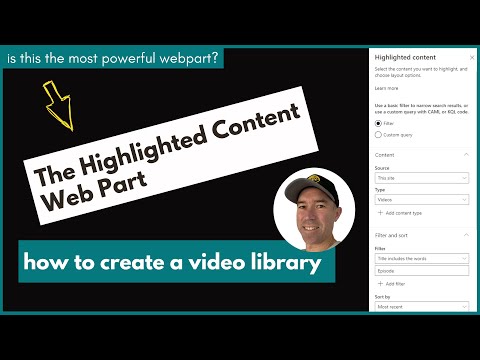
What Is the SharePoint Highlighted Content Web Part and How Does It Work?
The Highlighted content web part shows content on a page by rule instead of by hand: every video in a library, every page tagged Christmas, every info sheet. Here's how it finds content, the filters that matter, and when I'd use something else.
17 August 2021 · 8 min read
How to Create an FAQ Page in SharePoint with Collapsible Sections
Collapsible sections turn a long SharePoint page into a list of questions people can open one at a time. I build an FAQ page with them step by step, cover the settings that have changed since I first recorded it, and explain how I'd keep the page useful once it's live.
5 August 2021 · 7 min readGet these in your inbox. Three emails a week.
Practical thinking on organising your information and getting real work out of AI. Subscribers get the free SharePoint Skill course to start.