
Practical notes from real client work
SharePoint architecture, Microsoft 365 Copilot and AI workflows. Written from what's running in real tenants, not from the roadmap.

How to Post Microsoft Forms Responses to Teams with Power Automate
One Power Automate flow can take every Microsoft Forms response, post it to a Teams channel, add a follow-up task in To Do and log it in a Microsoft List. Here are the current trigger and action names, the steps, and what I'd check before building it.
20 May 2022 · 7 min read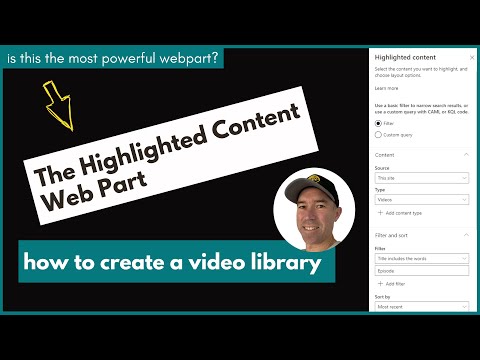
What Is the SharePoint Highlighted Content Web Part and How Does It Work?
The Highlighted content web part shows content on a page by rule instead of by hand: every video in a library, every page tagged Christmas, every info sheet. Here's how it finds content, the filters that matter, and when I'd use something else.
17 August 2021 · 8 min read
How to Create an FAQ Page in SharePoint with Collapsible Sections
Collapsible sections turn a long SharePoint page into a list of questions people can open one at a time. I build an FAQ page with them step by step, cover the settings that have changed since I first recorded it, and explain how I'd keep the page useful once it's live.
5 August 2021 · 7 min read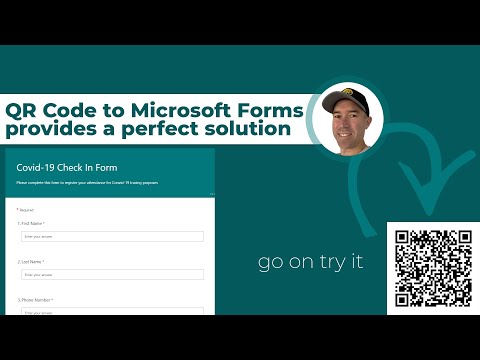
How to Create a QR Code for a Microsoft Form
Microsoft Forms has its own QR code, so you don't need a generator website to put a form on a poster, a table or a slide. Here's how to get it, how to show a form live in PowerPoint, and what to decide before you print anything.
2 December 2020 · 5 min read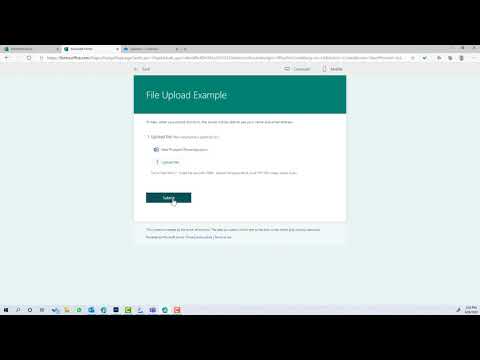
Where Do Microsoft Forms File Uploads Go?
Microsoft Forms saves uploaded files in one of two places, depending on who owns the form. Here's where each one goes, who can open them, what happens when you move a form to a group, and why I make upload forms group forms from the start.
10 August 2020 · 7 min read
How to Create a Poll in Outlook with Microsoft Forms
Outlook can put a one-question poll straight into an email, and people vote without leaving their inbox. It runs on Microsoft Forms. In 2020 you added it as the Quick Poll add-in; today it's a Polls button on the ribbon. Here are the steps for each version of Outlook and what to check first.
2 March 2020 · 5 min readGet these in your inbox. Three emails a week.
Practical thinking on organising your information and getting real work out of AI. Subscribers get the free SharePoint Skill course to start.