
Practical notes from real client work
SharePoint architecture, Microsoft 365 Copilot and AI workflows. Written from what's running in real tenants, not from the roadmap.

What Are SharePoint Skills and How Do You Build One?
A SharePoint skill is an SOP for AI: write the process down once, save it on the site, and Copilot in SharePoint runs it the same way for everyone on your team. Here's how skills work now, how I build them, and when I'd use something else.
20 April 2026 · 8 min read
How to Automate Invoice Processing in SharePoint with Power Automate and Copilot
Invoices arrive in a shared mailbox, Power Automate drops them into a SharePoint library, autofill columns pull out the details, and a Copilot in SharePoint skill reconciles them against purchase orders. The whole accounts payable flow I built, step by step.
25 March 2026 · 8 min read
How to Create, Query and Format a Microsoft List with Copilot in SharePoint
I gave Copilot in SharePoint a clients spreadsheet and asked it for a list. It built the columns, converted the dates and added all 10 records, then answered questions, updated a record and formatted the list, all from the chat pane.
25 March 2026 · 7 min read
How to Turn Copilot Chat into Your Outlook Email Assistant
Two Copilot Chat features that save the copy and paste: finding a meeting time and sending the invite, and drafting an email you can edit and send without opening Outlook.
20 March 2026 · 6 min read
Deploy a SharePoint Term Store from Excel with Claude Code
I gave Claude Code a spreadsheet of document types and asked it to build the SharePoint term store from it. It got there, with a few wrong turns, while I did other work.
3 March 2026 · 5 min read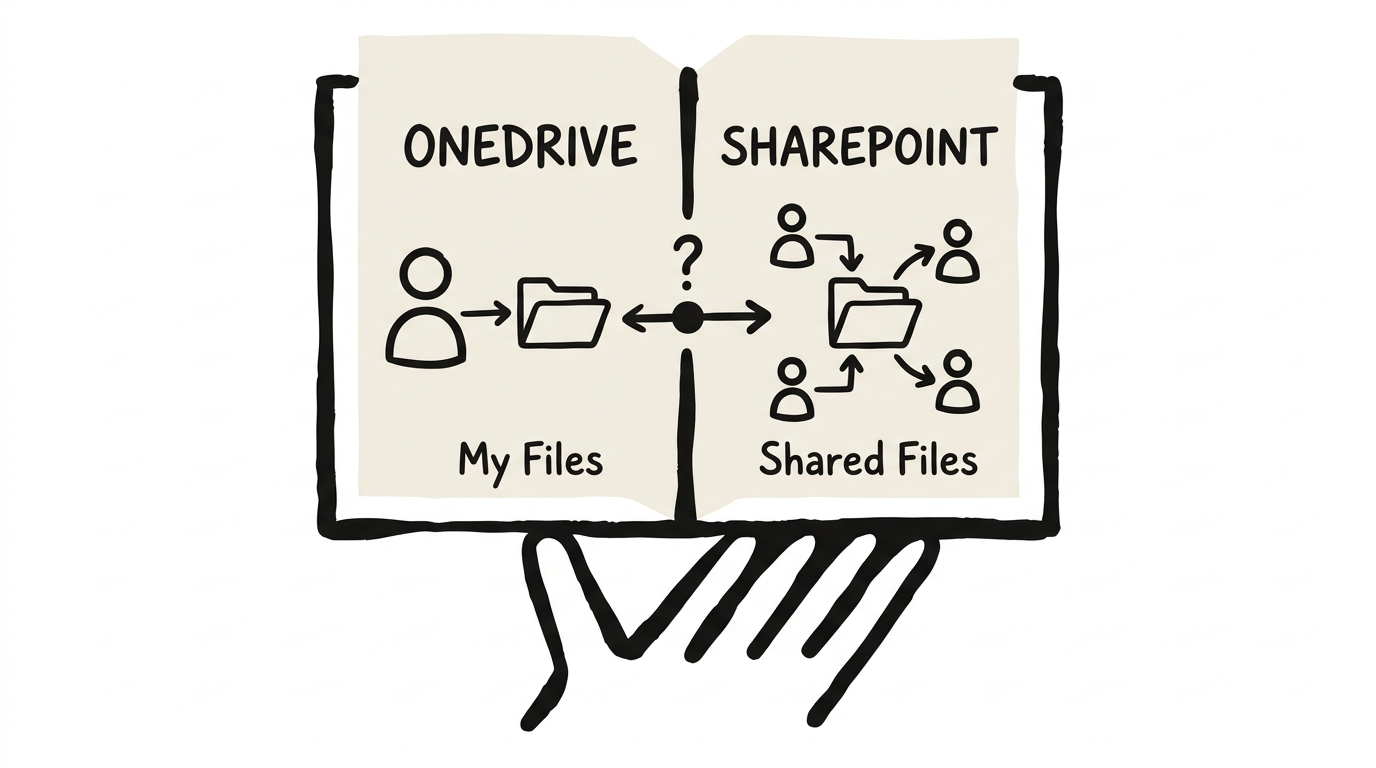
OneDrive vs SharePoint: The Complete Guide to What to Use When
OneDrive and SharePoint both store files in Microsoft 365, but using the wrong one costs organisations real time and productivity. Here's a practical framework for deciding what goes where.
2 March 2026 · 14 min readGet these in your inbox. One email a week.
Practical thinking on organising your information and getting real work out of AI. Subscribers get the free SharePoint Skill course to start.