
Practical notes from real client work
SharePoint architecture, Microsoft 365 Copilot and AI workflows. Written from what's running in real tenants, not from the roadmap.

Copilot Cowork Models: What Each One Actually Costs
Same prompt, three Copilot Cowork models, three very different bills. What Sonnet 4.6, Opus 4.8 and GPT 5.5 actually cost on the same task.
23 June 2026 · 8 min read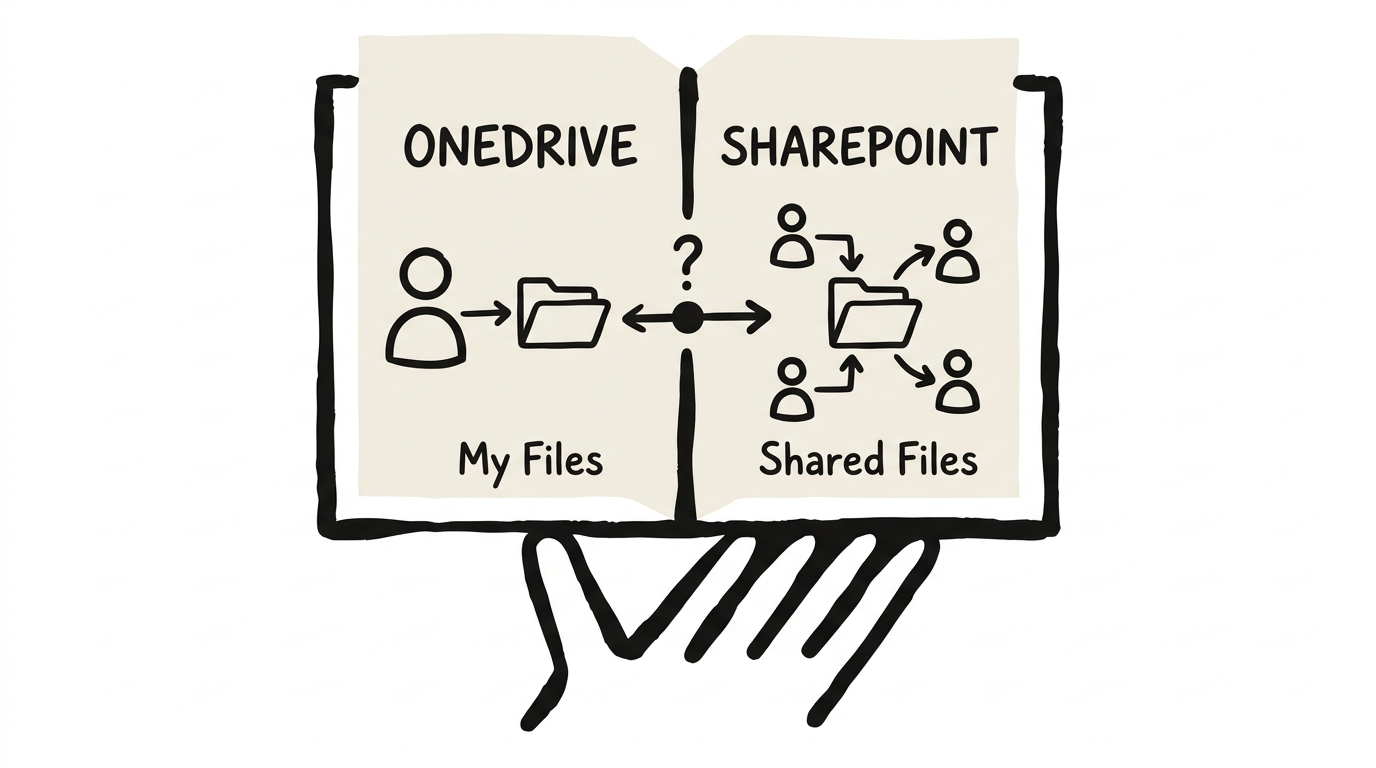
OneDrive vs SharePoint: The Complete Guide to What to Use When
OneDrive and SharePoint both store files in Microsoft 365, but using the wrong one costs organisations real time and productivity. Here's a practical framework for deciding what goes where.
2 March 2026 · 13 min read
Microsoft 365 Copilot vs Copilot Chat: What You're Actually Paying For
A practical breakdown of Microsoft 365 Copilot and Copilot Chat. What's free, what costs US$30 a user a month, who actually needs a licence, and the rollout mistakes to avoid.
1 March 2026 · 10 min readWhy Your SharePoint Needs an Information Architecture Before AI
Most organisations skip information architecture and jump straight to Copilot. Here's why the results disappoint, and the three foundations to fix first.
1 March 2026 · 6 min read
Claude Skills vs Copilot Agents: I Built the Same Assistant in Both
Anthropic calls them skills, Microsoft calls them agents. Both package up instructions for a repeatable job. I gave each the same description and the same meeting, compared the results, and the differences that decide which to use turned out to be about where your work lives.
26 February 2026 · 5 min read
Turn SharePoint into a Copilot Knowledge Base with Metadata
Copilot can reason over the custom metadata in your SharePoint libraries. Give a library the right columns and it becomes a knowledge base you can question in plain English, through Copilot in SharePoint or an agent of your own.
11 November 2025 · 4 min readGet these in your inbox. One email a week.
Practical thinking on organising your information and getting real work out of AI. Subscribers get the free SharePoint Skill course to start.